

- Top choice for activation teams globally
Warning: this activation tool will keep your clients coming back for more
eNsight is the best software for running brand activations, and the wingman every campaign deserves. Your agents check in at their outlet, report as they work and count what's on the shelf. You watch all of it live.
they check in

Ebeano Supermarket
Lekki Phase 1

Justrite Superstore
Ikeja

Market Square
Yaba

Prince Ebeano
Surulere
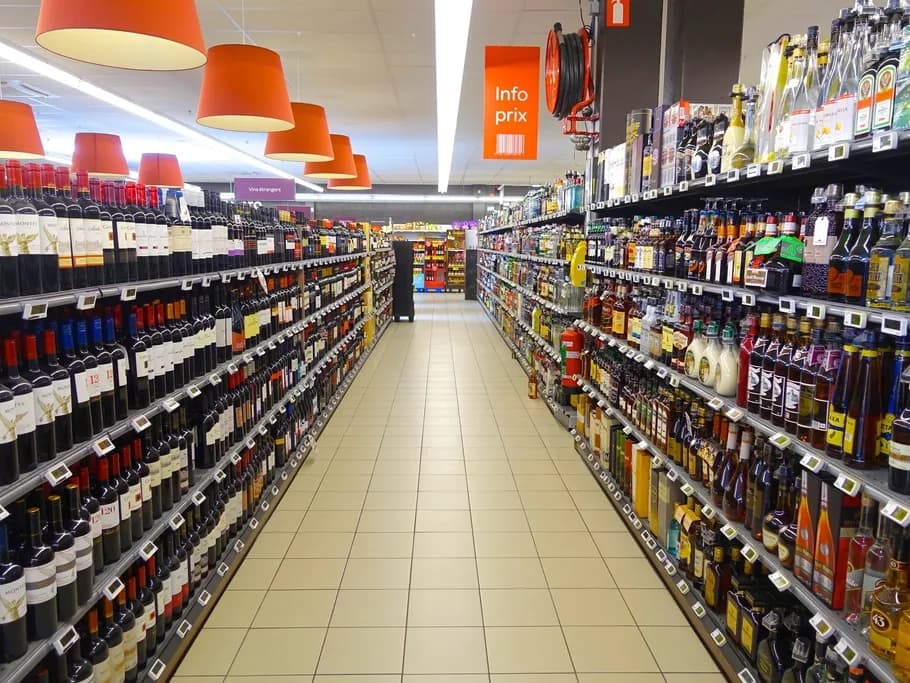
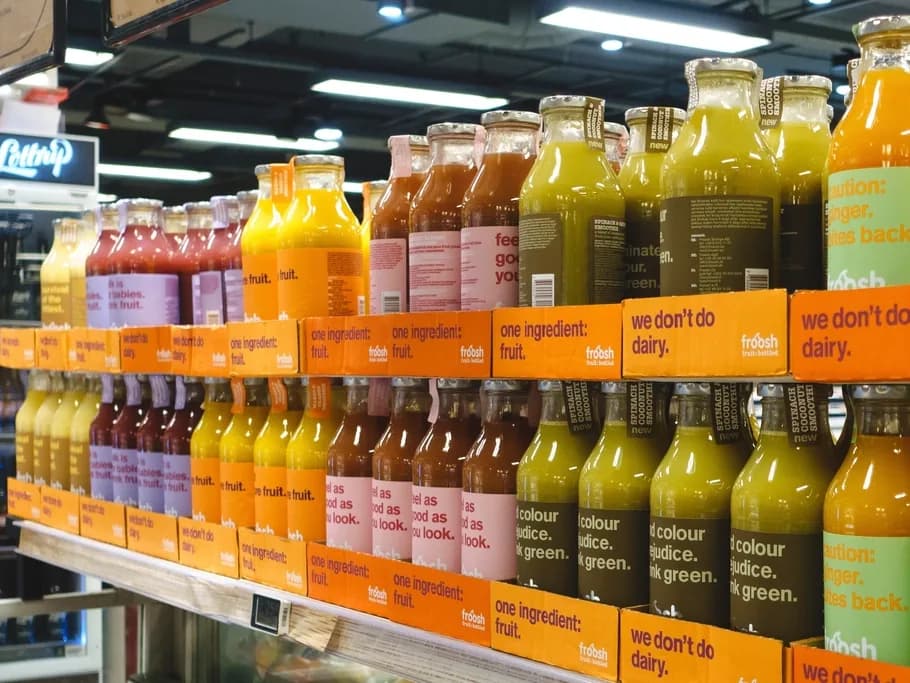
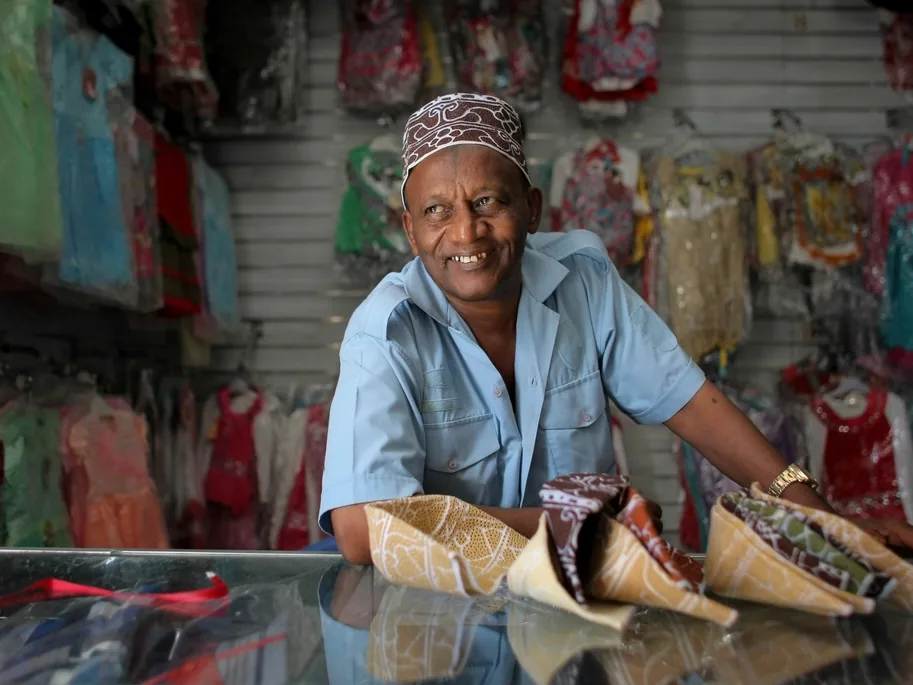
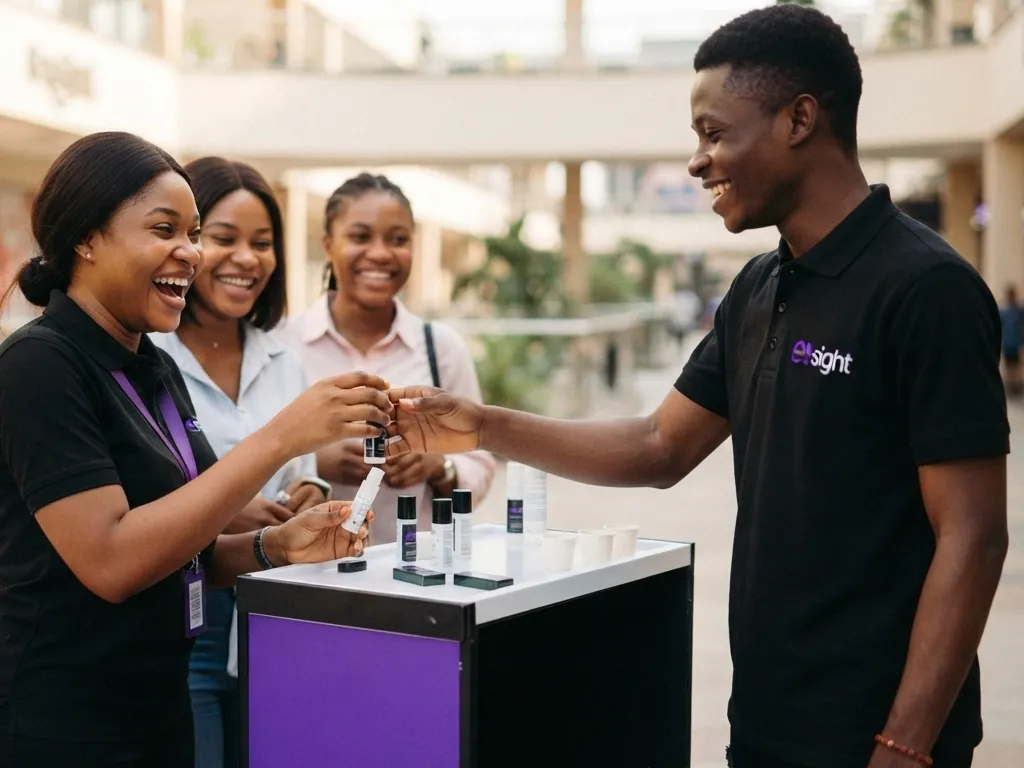
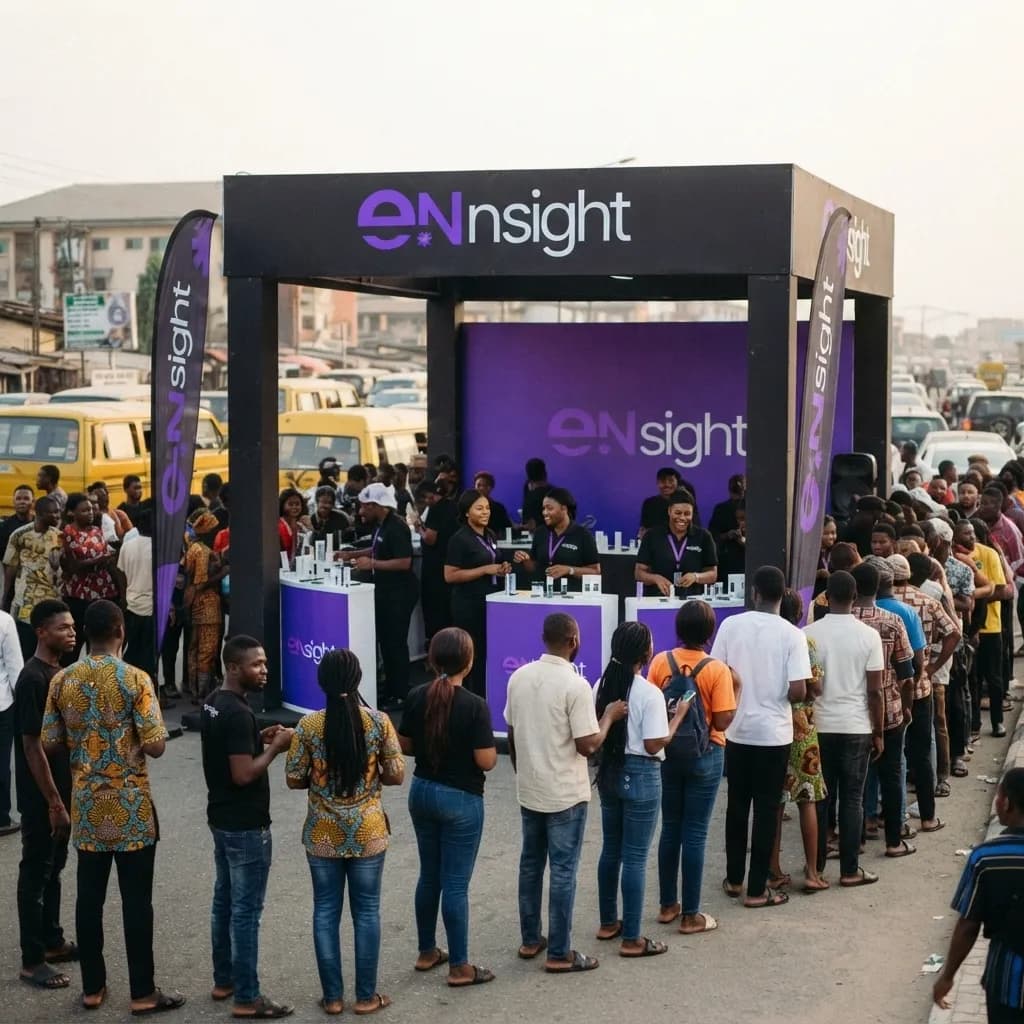
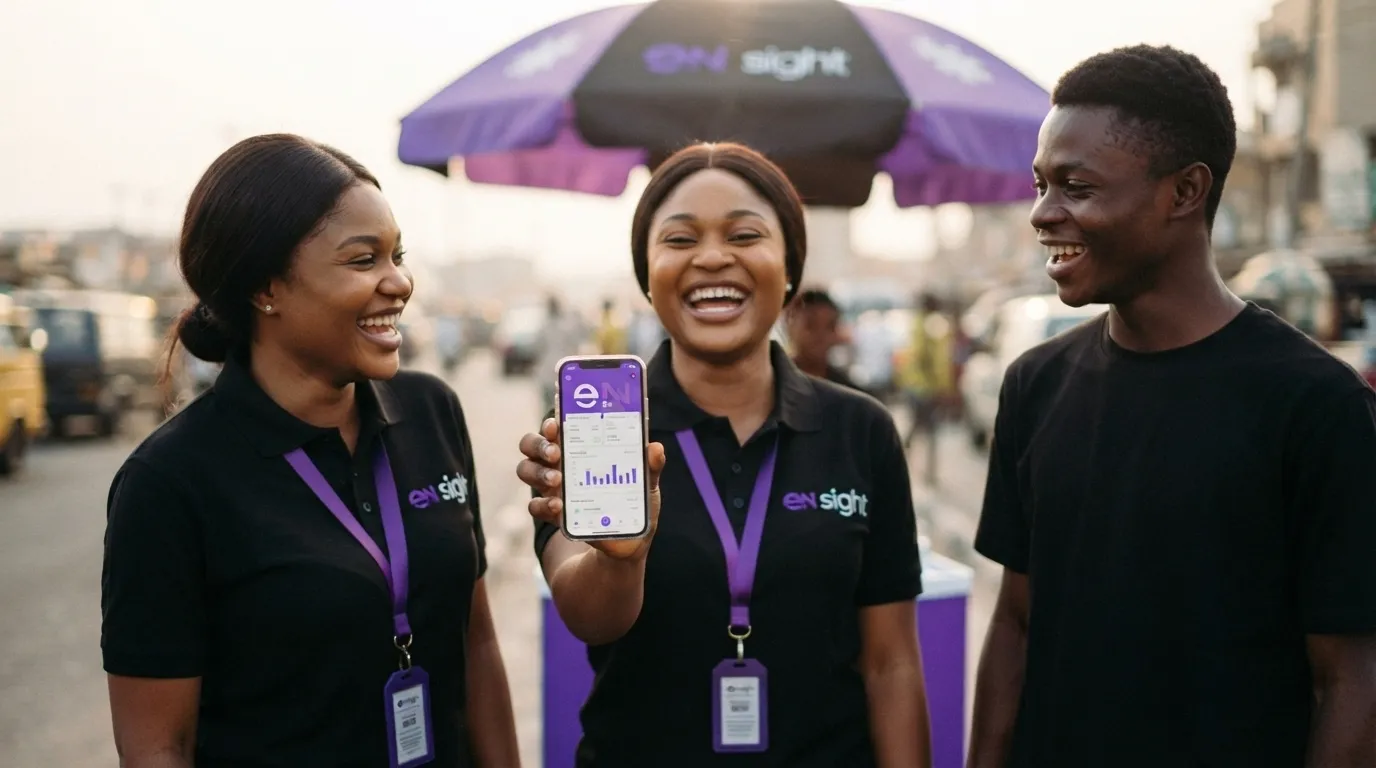
Forty agents. Two hundred outlets. One very long day, and you tracked every minute of it on the eNsight dashboard.
The field
The gap
You're old skool if your campaign still runs on WhatsApp group
Weeks of loose data entry. Endless photo dumps. Then the Friday scramble to find, compile and consolidate it all, while one agent quietly works out where the gaps are. Your wingman would never let that happen to you.
“Done Ikeja today boss 👍 crowd was good, we finished the samples”
- Which of the six outlets in Ikeja?
- Sent at 21:40, from home
- “Finished” is not a number
- No photos, nobody to ask a week later
samples served
31
conversions
- Outlet
- Justrite Superstore, Ikeja
- Time
- 14:22, while she was there
- Location
- Confirmed at the outlet
- Photos
- 2, approved by her supervisor
The dashboard
Watch today happen, live
No report to request, no waiting for Friday. Open it and it's already right.
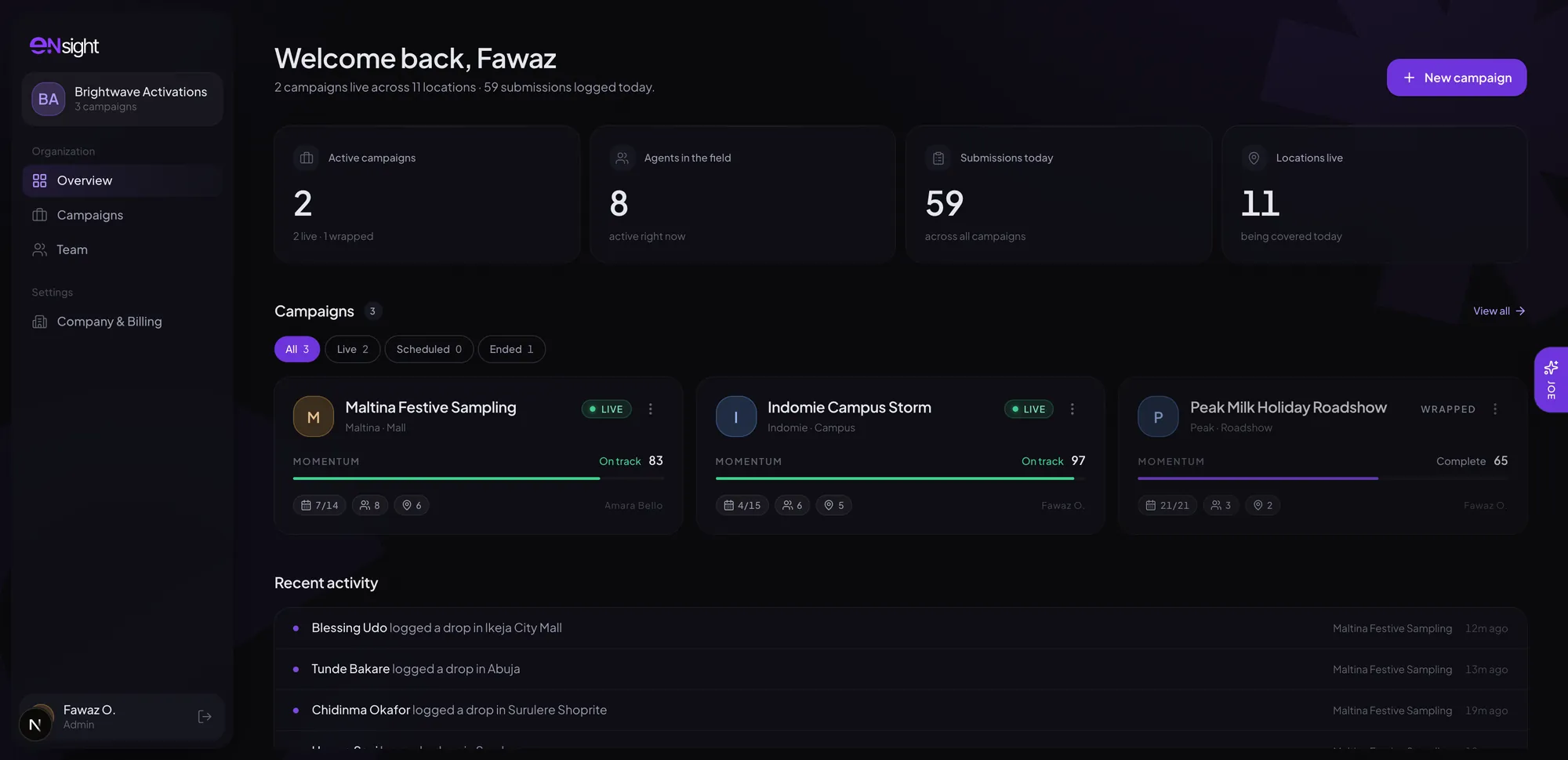
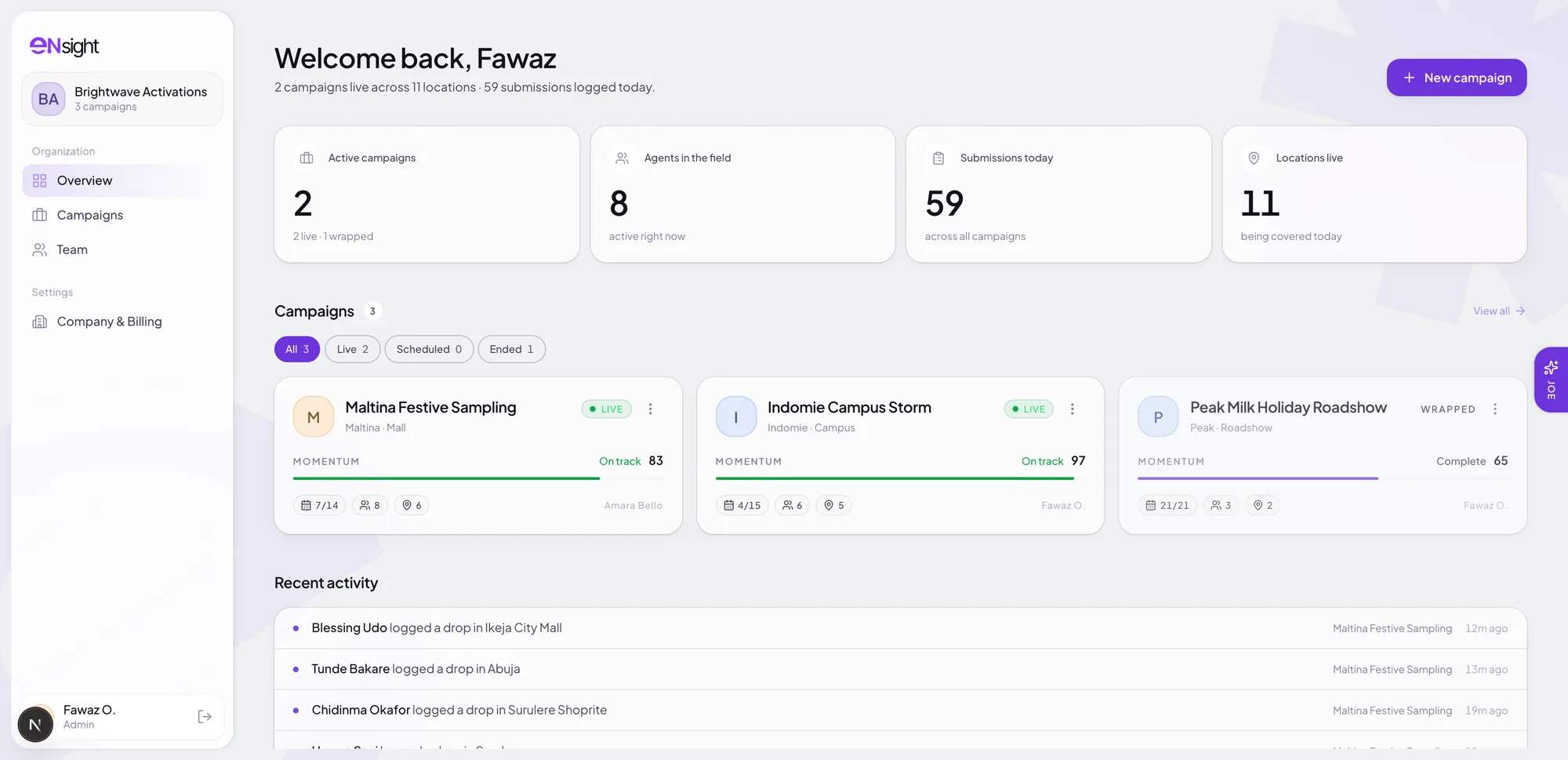
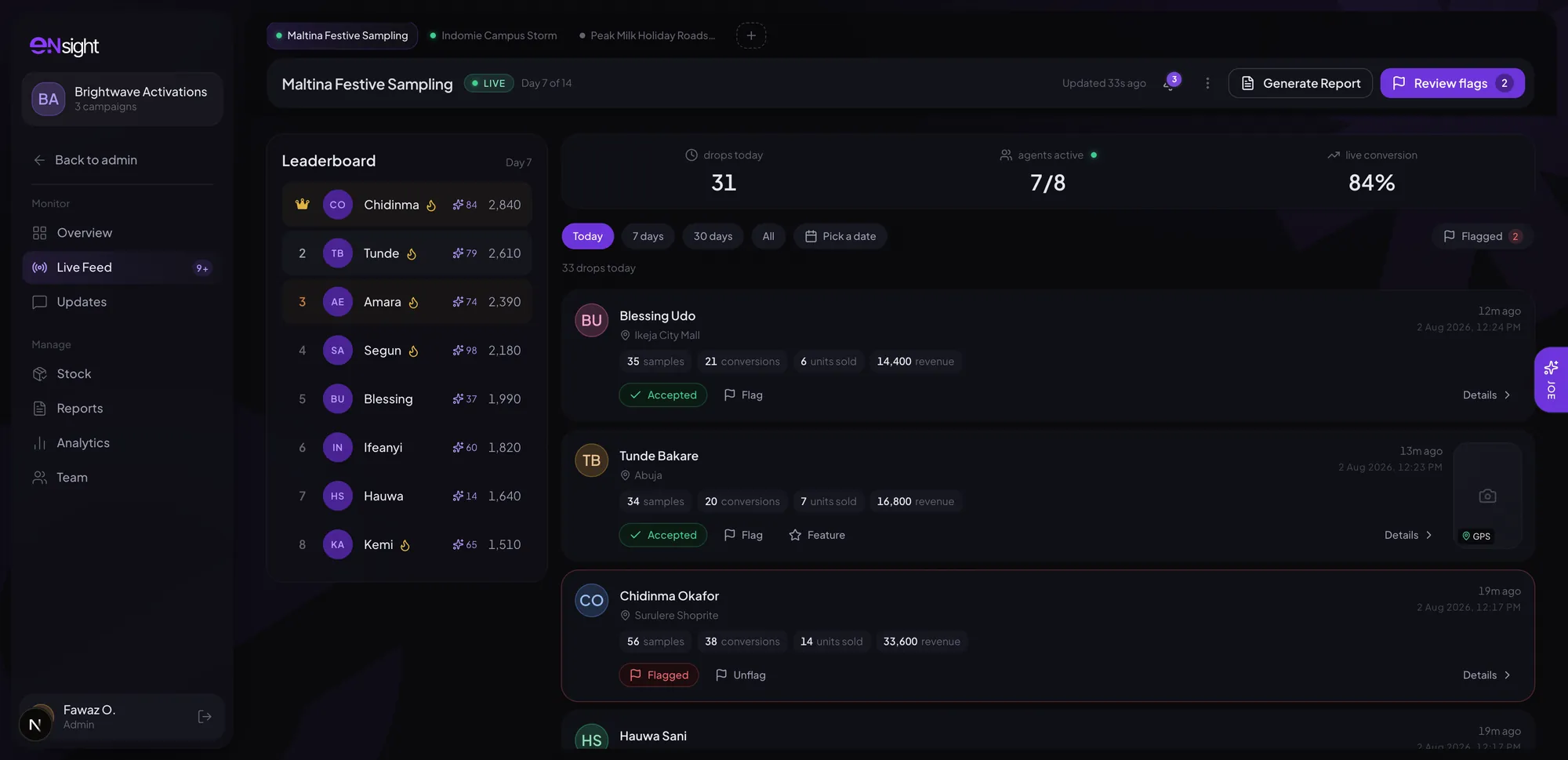
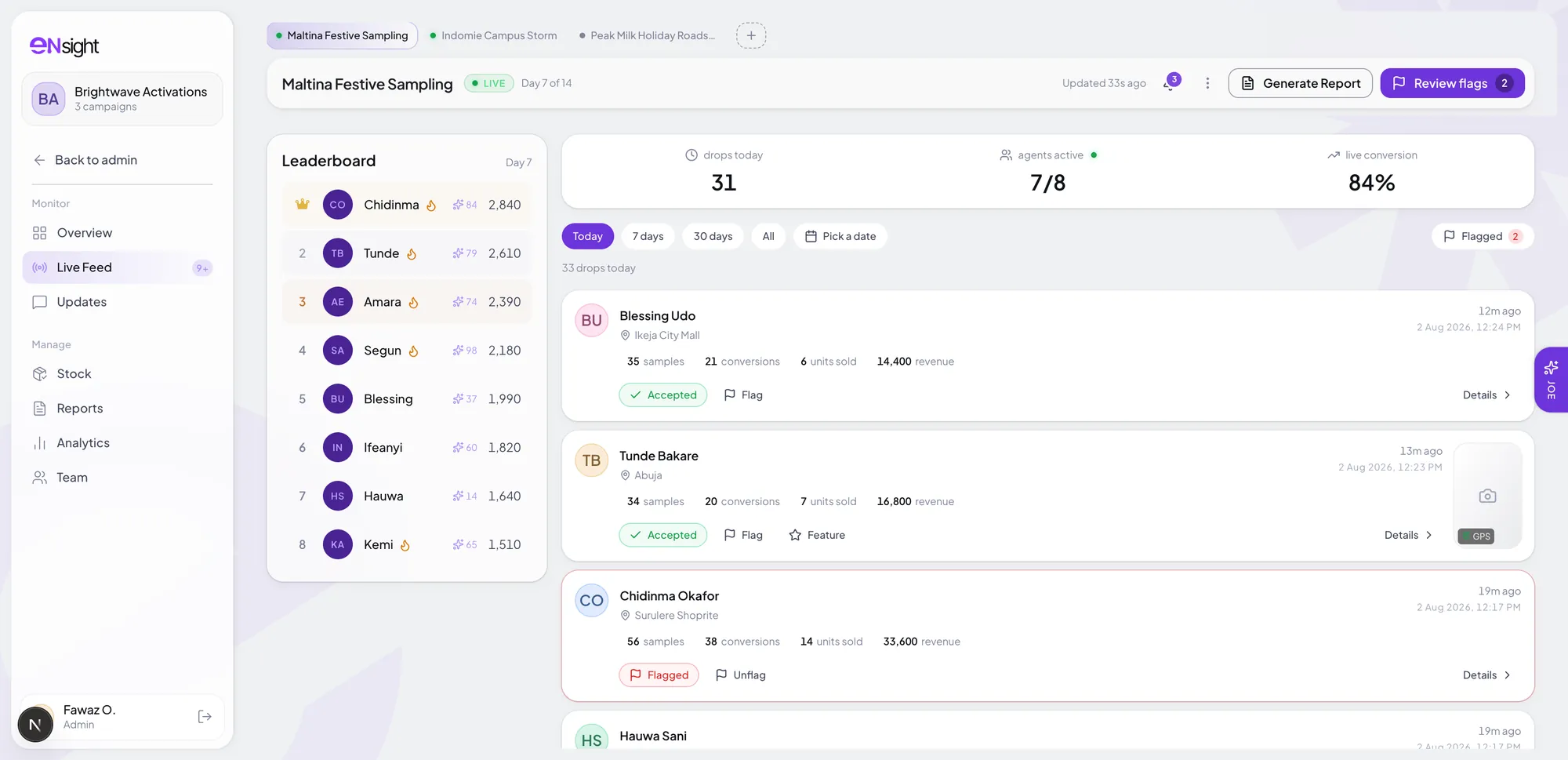
Everything you're running, in one look
The campaign that's slipping finds you, instead of the other way round.
Sample campaignMeet Joe
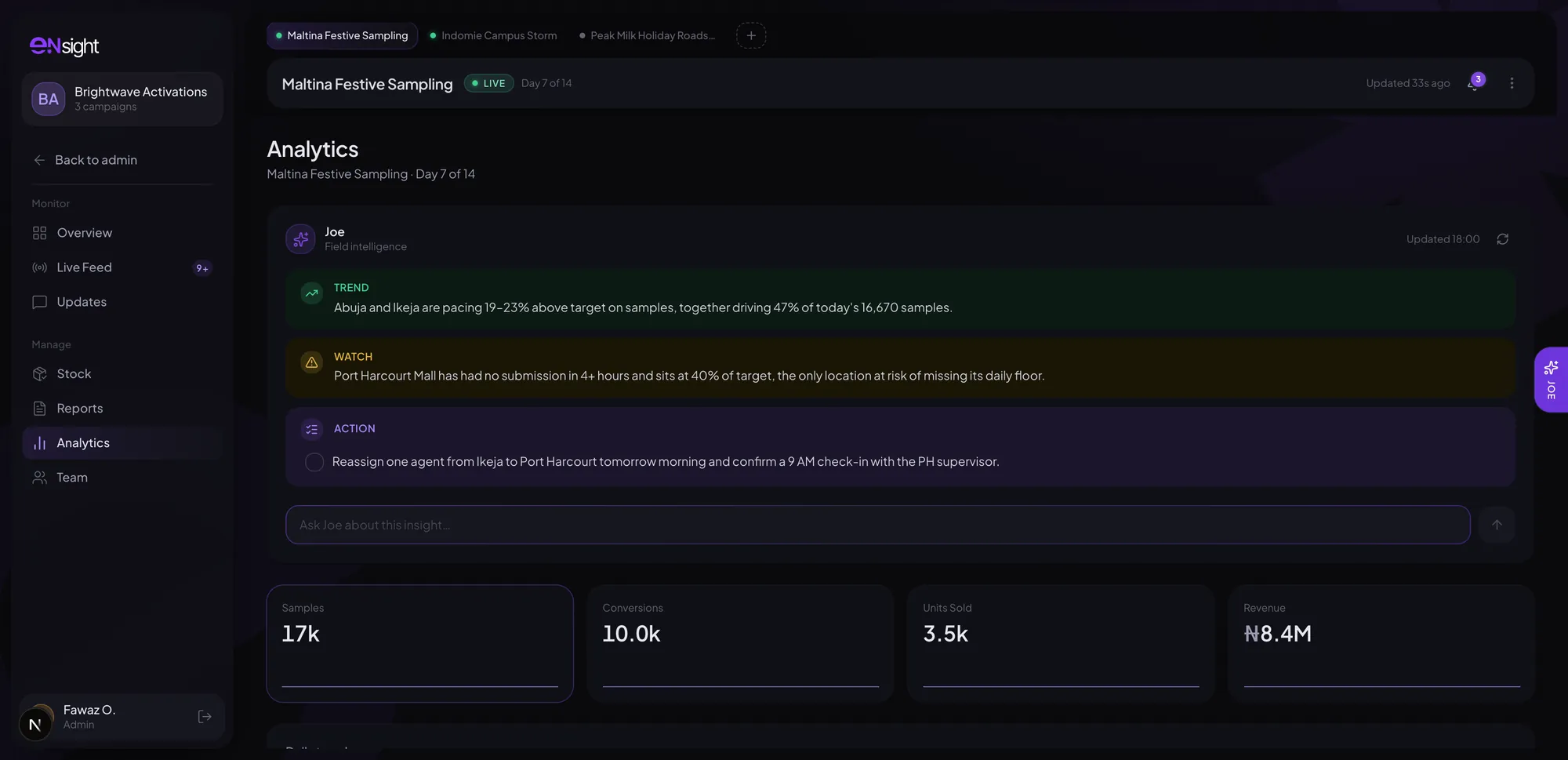
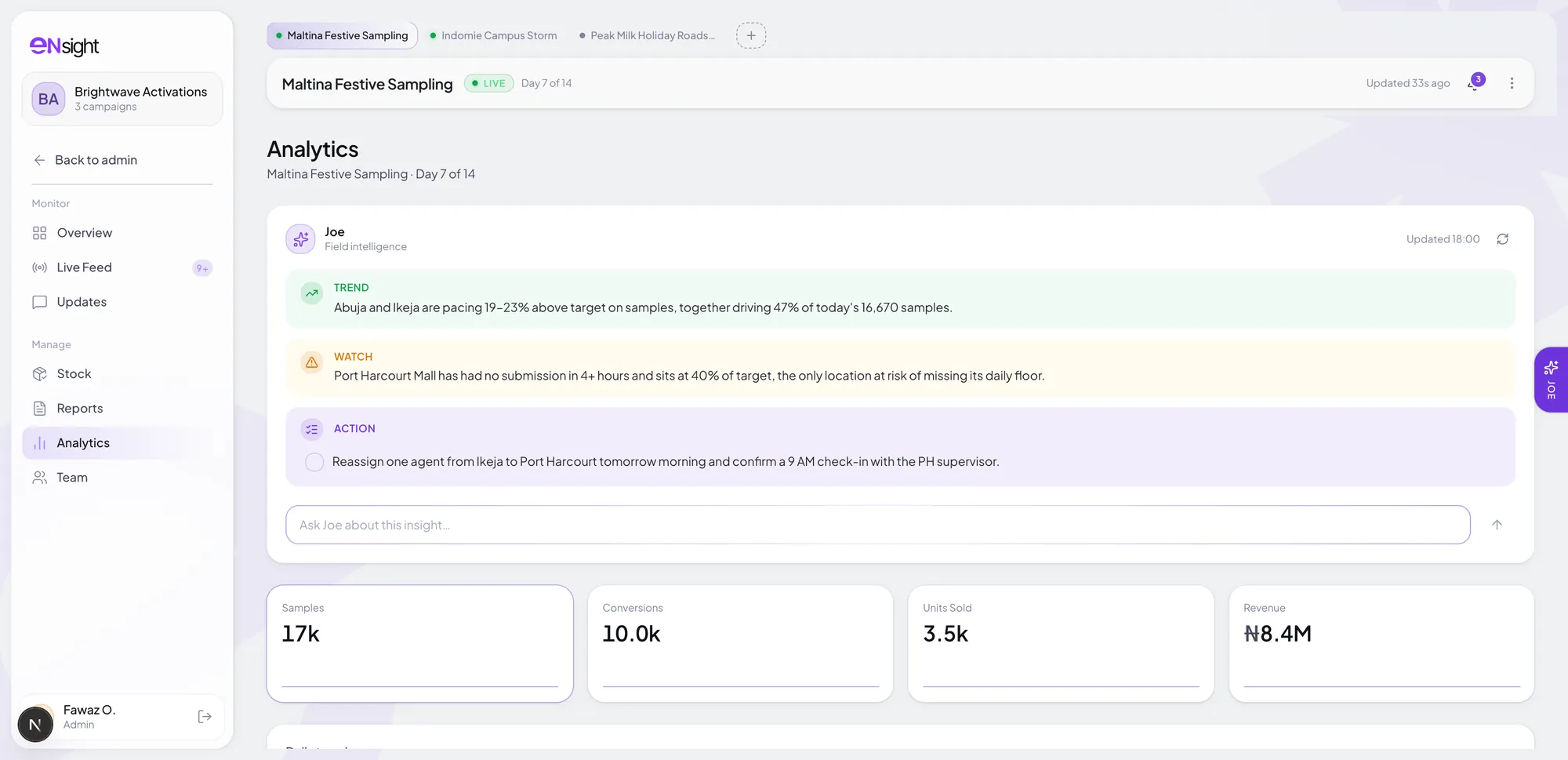
The part where it does your thinking for you
Ask Joe what's going on and it doesn't hand you a chart. It tells you what's happening, what to do, and then whether it worked.
Joe
Field intelligence
Hi, I'm Joe. I keep an eye on your campaign while it's running, so ask me anything about it. I'll tell you what's happening and what I'd do about it.
Port Harcourt is behind. What do I do?
Two of its four agents haven't checked in since 09:20, and Ikeja is running 23% over target with five. It's coverage, not effort.
- Move Chidi from Ikeja to Port Harcourt
- Confirm a 9 AM check-in with the PH supervisor
Both are out. I'll tell you at noon whether it held.
Is this for you
If high-converting engagement is the game plan, this is for you
Every brief has a unique problem that needs solving. We handle it all in one place. Don’t say we never did anything for you.
One place
You choose what each one counts
If your brief counts something nobody here has thought of, you add it and it still counts.
Receipts included
Every number turns up with its proof
Nobody writes any of this up afterwards. Every visit records these four things by itself, while the agent is still standing in the outlet.
Surulere, 12:04
- 01
Which outlet they were in
Picked from your own list rather than typed, so one outlet can't end up recorded three different ways.
On a real visit
Ebeano Supermarket
- 02
That they were really there
The phone checks where it is against where the outlet is, at the moment the agent checks in.
On a real visit
Confirmed at the outlet
- 03
When it actually happened
The time comes from the phone the second they hit send, not from whenever it reaches us.
On a real visit
12:04
- 04
What it looked like
The numbers they counted and the photos they took, saved onto that one visit.
On a real visit
4 photos
no forms to fill.
it just happens.
Getting started
Start usingeNsighton your next campaign
 eNsight
Nothing to install, no implementation project. The slow part is deciding what to measure.
01Create your organization
Add your logo and colours. Every report that leaves carries your brand, not ours.
02Build the campaign
Add your outlets and set the targets. You choose what it measures, not us.
03Invite your team
By email. Each invite already knows their role and their campaign.
04Run it, then hand it over
Records arrive all day. By the end, the deck has written itself.
Made in Lagos
Brand activation software built in Nigeria, for field work across Africa
It was designed around the field as it is here: signal that comes and goes, agents on mid-range Android phones and their own data, and clients who want proof rather than a photo dump. It's billed in naira, and nothing in it is tied to one country.
Across Nigeria
- Lagos
- Abuja
- Port Harcourt
- Ibadan
- Kano
And beyond
- Accra
- Nairobi
- Johannesburg
Your next campaign
Give your next brief a wingman
Set it up this afternoon, and watch the first check-in land while your team is still out there.
- Free to start
- No card
- Set up in an afternoon